
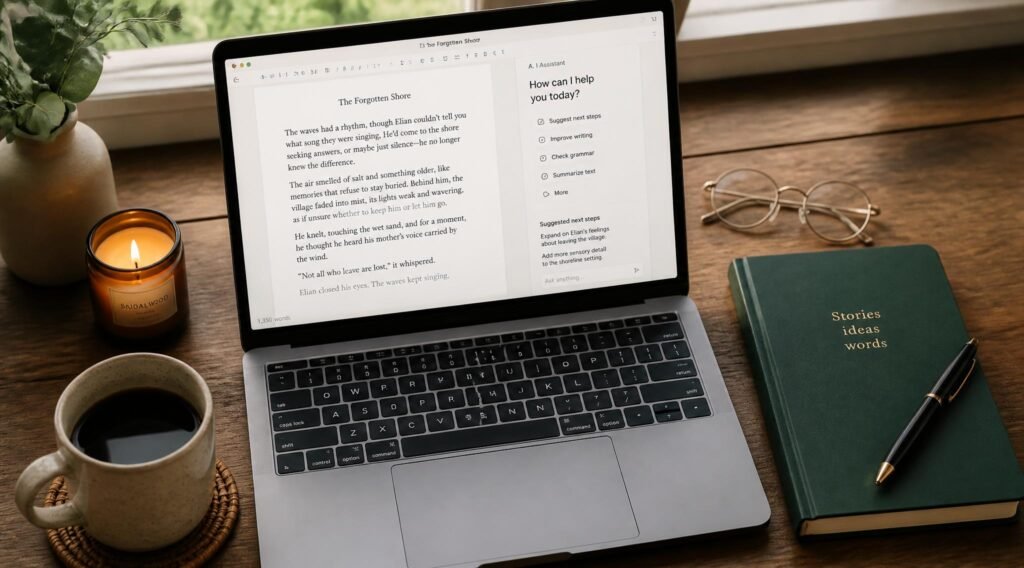
The blinking cursor on a blank document has a way of making three hours disappear before a single usable paragraph exists. You know roughly what you want to say. You even have notes, half-formed outlines, a client brief sitting open in another tab. And still, getting from “I know what this needs to be about” to an actual first draft eats up time you don’t have, especially when you’re juggling multiple clients or trying to publish consistently on your own blog.
AI writing assistants exist to shrink that gap — not by replacing your voice or your judgment, but by handling the parts of writing that eat the most time without adding the most value: staring at a blank page, restructuring a clunky paragraph, generating five headline options instead of agonizing over one. If you’re building a freelance writing career more broadly, our guide on freelancing skills you can learn online pairs well with this one — the right tools help you deliver faster once you already know how to write well.
This guide covers the best AI writing assistants for bloggers and freelance writers in 2026, how to pick the right one for your workflow, and the mistakes that turn “AI-assisted writing” into content that reads like everyone else’s.
Quick Answer
The best AI writing assistant depends on what stage of writing you need help with most. If you want a tool built specifically for long-form blog content with SEO features baked in, Jasper or Surfer AI are purpose-built for that. If you want flexible, conversational drafting and editing across any writing task, Claude or ChatGPT offer the most range. If grammar, clarity, and tone-checking is your main need rather than drafting, Grammarly’s AI features layer on top of writing you’ve already done. And if you specifically need to rewrite or restructure existing drafts, Wordtune is built around sentence-level rewriting rather than generating from scratch. The one-sentence principle: use AI to get past the blank page and tighten what you’ve written, but the final voice and judgment still need to be yours.

Table of Contents
- What AI Writing Assistants Actually Do
- How to Choose the Right AI Writing Tool for Your Work
- Best AI Writing Assistants in 2026
- Comparison Table
- Best AI Writing Tools for Different Writing Tasks
- How to Use AI Writing Tools Without Losing Your Voice
- Common Mistakes
- Expert Tips
- Final Thoughts
- Frequently Asked Questions
What AI Writing Assistants Actually Do {#what-they-do}
AI writing assistants use large language models to help with specific stages of the writing process: generating outlines and first drafts, rewriting awkward sentences, adjusting tone for a specific audience, checking grammar and clarity, and in some cases optimizing content for search engines. The strongest tools don’t try to do everything — they’re built around a specific part of the writing workflow, which is why picking the right one depends heavily on where you personally get stuck.
For freelance writers managing multiple clients, this matters beyond just speed. Our guide on in-demand skills that can help you earn more covers how AI fluency itself is becoming a marketable skill clients increasingly expect, not just a private productivity trick.
How to Choose the Right AI Writing Tool for Your Work {#how-to-choose}
Before picking a tool, ask yourself:
1. Where do I actually get stuck — starting, or finishing? If blank-page paralysis is your bottleneck, prioritize tools strong at outlining and first drafts. If you can draft quickly but the editing pass takes forever, prioritize rewriting and clarity tools instead.
2. Am I writing SEO content, or writing that doesn’t need to rank? SEO-focused blog content benefits from tools with built-in keyword and structure guidance (Surfer AI, Jasper). Personal essays, fiction, or client work without SEO requirements don’t need that layer.
3. How much do I need the tool to match a specific brand voice? Some tools let you train on existing content to match a voice more closely; others produce more generic output that needs heavier editing to sound like you (or your client).
If you’re building a broader freelance content toolkit, our 10 digital skills you can learn at home and monetize guide covers related skills worth pairing with strong writing tools.
Best AI Writing Assistants in 2026 {#best-tools}
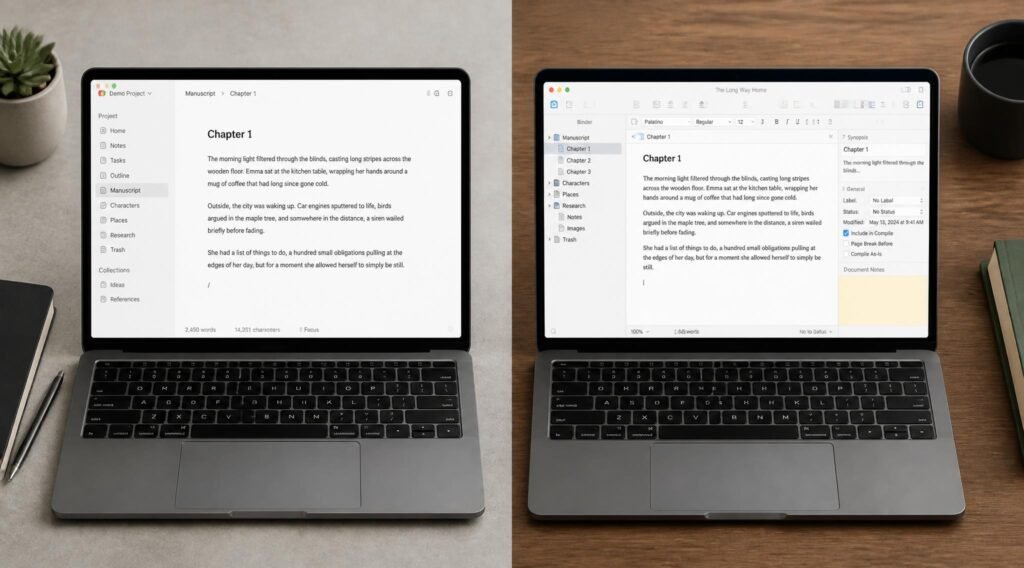
1. Jasper
Overview: Jasper is built specifically for marketing and blog content at scale, with templates for common content types (blog posts, product descriptions, social captions) and brand voice training that helps output sound consistent across a team or client roster.
Key Features:
- Brand voice training to match a specific tone across multiple pieces
- Content templates built for common freelance and marketing deliverables
- SEO mode with keyword integration guidance
- Team collaboration features for agencies or multi-writer operations
Best For: Freelance writers or content agencies managing multiple clients with distinct brand voices.
Pros: ✅ Strong for maintaining consistency across a large volume of content ✅ Templates cut setup time for recurring content types Cons: ❌ Premium pricing compared to general-purpose AI tools ❌ Can feel like overkill for occasional or single-voice writing
Our Verdict: Worth the investment if you’re writing at volume for multiple clients — pairs well with the client-management habits covered in our best time-blocking planners guide.
2. Claude / ChatGPT
Overview: General-purpose AI assistants aren’t built specifically for content marketing, but their flexibility makes them strong for almost any writing task — outlining, drafting, restructuring, brainstorming headlines, or talking through an idea that isn’t fully formed yet.
Key Features:
- Handles any writing task without needing a specific template
- Strong for conversational drafting — explain what you want, refine through dialogue
- No content-type limitations, works for blog posts, emails, scripts, and more
- Free tier available, no subscription required to start
Best For: Writers who want maximum flexibility without committing to a content-marketing-specific platform.
Pros: ✅ Extremely versatile across writing types ✅ Low-cost or free entry point ✅ Good for working through ideas conversationally, not just generating final text Cons: ❌ No built-in SEO or brand-voice training features ❌ Requires more manual prompting to match a specific style consistently
Our Verdict: The best low-cost, flexible starting point, especially for writers who want a thinking partner as much as a drafting tool. This connects closely to the approach covered in our AI tools to learn skills faster guide, where the same tools double as a learning resource for improving your writing itself.
3. Surfer AI
Overview: Surfer AI combines AI drafting with real-time SEO analysis, scoring content against top-ranking pages for a target keyword as you write, which is particularly useful for freelance writers whose deliverables need to actually rank.
Key Features:
- Real-time SEO scoring while drafting
- Content structure recommendations based on top-ranking competitors
- Keyword density and related-term suggestions built in
- Integrates drafting and optimization into a single workflow
Best For: Freelance writers and bloggers whose primary goal is search-ranking content, not just readable prose.
Pros: ✅ Removes the guesswork of separate SEO tools and drafting tools ✅ Particularly valuable for clients who specifically hire for SEO content Cons: ❌ Less useful for writing that doesn’t need to rank (essays, fiction, internal docs) ❌ Learning curve if you’re new to SEO concepts generally
Our Verdict: A strong specialized pick if SEO blog writing is a core part of your freelance income — directly complementary to our freelancing skills guide for anyone building this as a service offering.
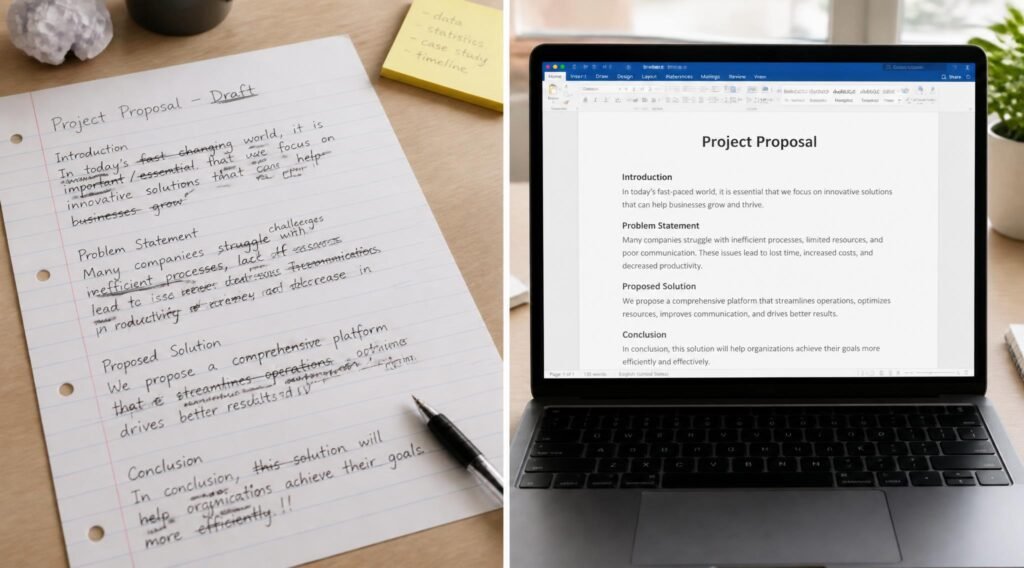
4. Wordtune
Overview: Wordtune focuses specifically on rewriting — feed it an existing sentence or paragraph, and it suggests alternative phrasings for clarity, tone, or conciseness, rather than generating full drafts from a prompt.
Key Features:
- Sentence-level rewriting suggestions with multiple tone options
- Works well as a lightweight browser extension across writing platforms
- Strong for tightening existing drafts rather than starting from nothing
- Simpler learning curve than full content-generation platforms
Best For: Writers who draft comfortably on their own but want help polishing and tightening the result.
Pros: ✅ Lightweight and fast to use inline while writing ✅ Doesn’t try to replace your drafting process, just improves it Cons: ❌ Not built for generating full articles from scratch ❌ Free tier has limited daily rewrites
Our Verdict: The best fit if writer’s block isn’t your issue — editing speed is. Complements the reframing techniques in our how to build self-confidence guide for writers who tend to over-edit out of self-doubt rather than genuine quality concerns.
Comparison Table {#comparison-table}
| Tool | Best For | SEO Features | Cost | Drafting or Editing |
|---|---|---|---|---|
| Jasper | Multi-client content at scale | Yes | Premium subscription | Both |
| Claude / ChatGPT | Maximum flexibility | No built-in | Free tier available | Both |
| Surfer AI | SEO-ranked blog content | Yes, real-time | Paid subscription | Both |
| Wordtune | Polishing existing drafts | No | Free tier / paid | Editing-focused |
Best AI Writing Tools for Different Writing Tasks {#different-tasks}
For High-Volume Client Content
Jasper’s brand voice training and templates save the most time when you’re switching between multiple clients’ distinct tones throughout the week — a common challenge covered in our remote job skills guide for freelancers managing several accounts.
For SEO-Focused Blog Writing
Surfer AI’s real-time scoring removes the back-and-forth between a separate SEO tool and your draft, keeping optimization and writing in the same workflow.
For Personal Blogging or Creative Writing
Claude or ChatGPT’s flexibility works best here, since personal or creative writing benefits more from a conversational thinking partner than a template-driven, SEO-optimized workflow.
How to Use AI Writing Tools Without Losing Your Voice {#how-to-use}
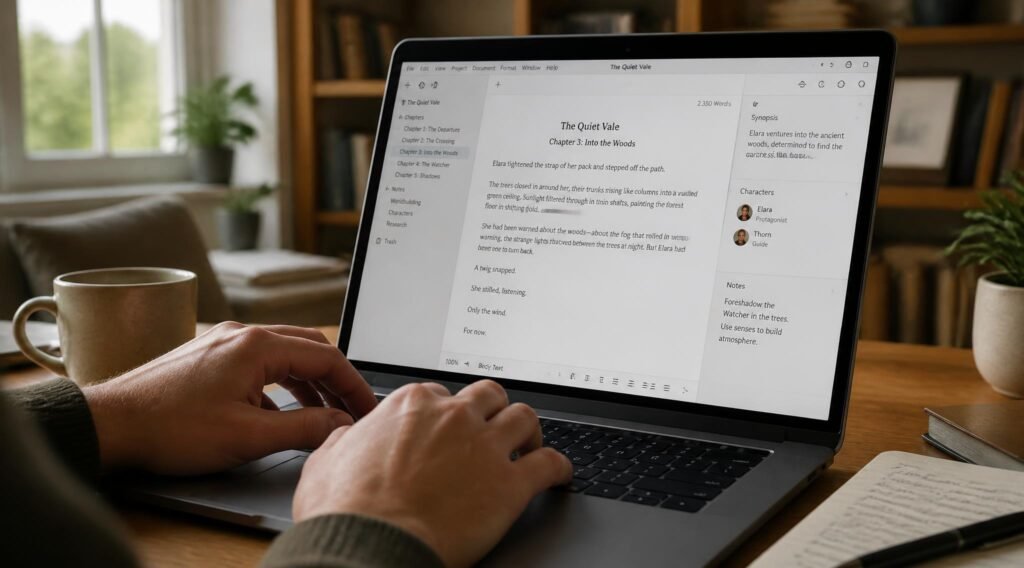
Step 1: Start With Your Own Outline, Not an AI-Generated One
Even a rough bullet-point outline in your own words keeps the structure and argument yours, with AI filling in expansion rather than dictating direction.
Step 2: Use AI for the First Draft, Not the Final One
Treat AI output as raw material — a strong starting point that still needs your judgment, examples, and specific knowledge layered in.
Step 3: Read Every Paragraph Out Loud Before Publishing
If a sentence doesn’t sound like something you’d actually say, rewrite it. This single habit catches most of the “obviously AI-written” tells before a client or reader does.
Step 4: Add Specific, Personal Details AI Can’t Generate
Client anecdotes, personal experience, specific numbers from your own research — these are exactly what separates writing that sounds authentic from writing that sounds generic.
Step 5: Run a Final Edit Focused on Cutting, Not Adding
AI-generated drafts often run longer than needed. A tight final edit that cuts unnecessary sentences usually improves the piece more than any single AI feature.
Common Mistakes {#common-mistakes}
Publishing AI-drafted content without a personal edit pass. Generic AI phrasing patterns are increasingly recognizable to both readers and clients, and it undercuts the specific voice that makes freelance writing valuable in the first place. This connects to Step 3 above.
Using the same AI tool for every type of writing task. A tool built for SEO blog content isn’t the best choice for a personal essay, and vice versa. Match the tool to the task, as covered in the how to choose section.
Letting AI tools handle client communication, not just drafting. Clients generally expect direct communication about their project, even if the content itself is AI-assisted — reserve AI for the writing process, not for representing yourself in client relationships.
Expert Tips {#expert-tips}
Build a personal style guide and feed it to your AI tool. A short document listing words you avoid, sentence patterns you favor, and tone notes helps any AI tool produce output closer to your actual voice from the start.
Use AI to generate options, then choose rather than accept the first draft. Ask for three different headline options or three different opening paragraphs, then pick and blend rather than taking the first output as final.
Protect focused writing time the same way you’d protect any deep work. AI tools speed up drafting, but the thinking and judgment part of writing still benefits from uninterrupted focus — our noise-cancelling headphones for deep work guide covers tools that help protect that time.

Final Thoughts {#final-thoughts}
Best overall for freelancers with multiple clients: Jasper, for brand voice consistency at scale. Best budget/flexible option: Claude or ChatGPT. Best for SEO-specific content: Surfer AI. Best for polishing existing drafts: Wordtune.
None of these tools replace the judgment, expertise, and voice that make your writing worth paying for — they remove friction from the parts of the process that eat time without adding unique value. Pair whichever tool fits your workflow with the broader skills covered in our freelancing skills you can learn online guide to keep building a writing career that holds up in 2026.
Frequently Asked Questions {#faq}
Will clients know if I used an AI writing assistant? Not necessarily, and for most clients it doesn’t matter as long as the final product is well-edited, accurate, and sounds authentic — what matters is the quality of the delivered work, not the tools used to produce it.
Are free AI writing tools good enough for freelance work? Free tiers of tools like Claude, ChatGPT, or Wordtune are genuinely usable for most freelance writing. Paid tiers mainly add SEO features, brand-voice training, or higher usage limits — valuable once you’re working at higher volume.
AI writing assistants vs. hiring a human editor — do I still need both? They serve different purposes. AI tools speed up drafting and catch surface-level issues; a human editor (or a careful self-edit) catches nuance, accuracy, and voice consistency that AI alone often misses.
Will using AI writing tools hurt my content’s SEO rankings? Search engines generally evaluate content on quality and usefulness to readers, not on whether AI assisted in drafting. Thin, generic AI content without real value tends to underperform — well-edited, substantive content tends to perform regardless of how it was drafted.
How do I keep my writing from sounding like everyone else’s AI-assisted content? Add specific personal details, examples, and opinions AI can’t generate on its own, and always read your final draft aloud to catch generic phrasing before publishing.
Can AI writing tools help with client pitches and proposals, not just content? Yes — the same drafting and editing tools work well for pitches, proposals, and client emails, though these benefit even more from a careful personal edit since they’re directly representing you to a potential client.
Is it ethical to use AI writing tools for freelance client work? Most clients care about quality and originality of the final product rather than the specific tools used. Some clients or platforms have specific AI-disclosure policies, so it’s worth checking individual client expectations directly.
What’s the biggest mistake freelance writers make with AI tools? Skipping the personal edit pass. AI tools are strong at structure and speed, but the specific voice, expertise, and judgment that make freelance writing valuable still need to come from you.
Do I need different AI tools for blogging versus freelance client work? Not necessarily — the same tools often work for both, though SEO-focused tools like Surfer AI matter more for blog content specifically built to rank, while flexible tools like Claude or ChatGPT work well across both contexts.
Can beginners use AI writing tools to improve their actual writing skills, not just output? Yes — reading how an AI tool restructures a clunky sentence or tightens an argument can be genuinely instructive over time, similar to the learning approach covered in our AI tools to learn skills faster guide.
Author: Jhon Last Updated: September 2026