
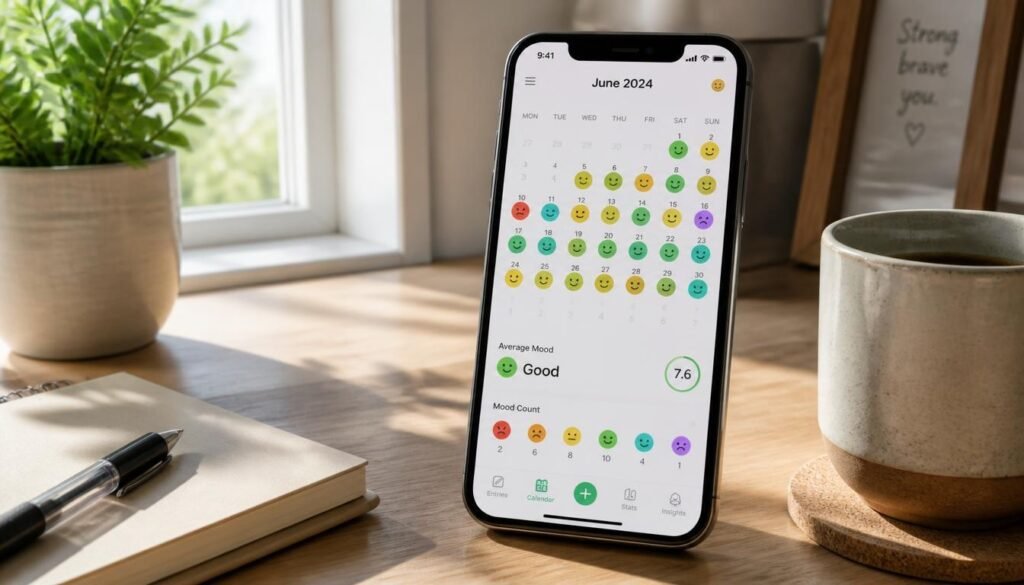
Ask yourself how the last month felt. Probably something like “tired, mostly,” with one stressful week and a good stretch you can’t quite place. That vagueness is the real problem. Memory flattens emotion, so without a record it is almost impossible to see what lifts your mood and what quietly drains it.
That is where the best mood tracker apps earn their place. A good one takes seconds to use, then turns scattered check-ins into patterns you can act on: the short night of sleep that precedes a rough week, the walk that reliably helps, the Sunday-evening dip that shows up every time.
Mood tracking is not therapy, and it is not a diagnosis. It is a habit of noticing. If you already like writing things down, an AI journaling app can add reflection on top of the numbers. If consistency is your sticking point, our guide to AI habit-tracking apps covers the routine side.
Below you will find five well-regarded options compared side by side, a simple way to choose between them, and a practical setup plan so the habit lasts longer than a week.
Quick Answer
The best mood tracker app depends on how much effort you are willing to give it. Daylio suits people who want a ten-second tap-and-go check-in. How We Feel is the strongest free choice for naming emotions precisely. Bearable fits anyone who wants to connect mood with sleep, energy and symptoms. Finch works if gamified self-care keeps you showing up, and Moodfit suits people who want CBT-style exercises alongside tracking. Whichever you choose, the principle is the same: pick the app you will actually open every day, because a simple log kept for months beats a detailed one abandoned in week two.

Table of Contents
- What Is a Mood Tracker App?
- How to Choose the Right Mood Tracker App
- Best Mood Tracker Apps Worth Downloading in 2026
- Comparison Table
- Best Mood Tracker Apps for Different Needs
- How to Start Mood Tracking Correctly
- Common Mistakes
- Expert Tips
- Final Verdict
- Frequently Asked Questions
What Is a Mood Tracker App?
A mood tracker app is a digital log for your emotional state. You record how you feel, usually once to three times a day, and the app stores each entry so you can look back over weeks and months. Better apps go a step further: they let you tag what you did, how you slept or who you saw, then chart how those factors line up with your mood.
The value is in the pattern, not the single entry. One low-mood day tells you very little. Thirty days of entries can show that your worst afternoons follow skipped lunches, or that your best weeks include two evening walks. That is information you can use.
How Mood Tracker Apps Work
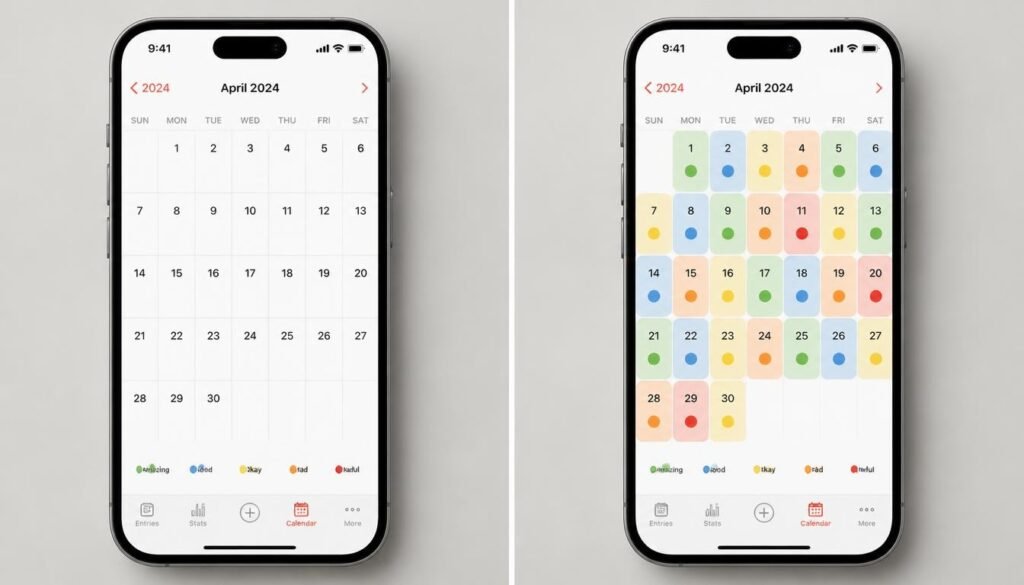
Most follow the same loop: check in, add context, review. The check-in might be a tap on a face icon, a position on an emotion grid, or a short note. The context is activity tags, sleep, energy or symptoms. The review is a calendar heat map or a chart that surfaces trends.
Many psychologists argue that naming a feeling precisely makes it easier to understand and manage, which is why some apps invest heavily in emotion vocabulary rather than a simple happy-to-sad scale.
Why It Matters
Self-awareness is the base layer of almost every personal growth habit. If you are building routines from our list of 50 daily habits that can change your life, a mood log tells you which ones actually improve how you feel. It also fits the shift toward measured, personalized growth described in our look at personal development trends in 2026.
How to Choose the Right Mood Tracker App
Three questions narrow the field quickly.
1. How much time will you honestly give it? If the answer is under a minute, favor tap-based check-ins. If you enjoy reflecting, choose an app with notes or guided exercises.
2. What do you want to learn? If you only want to see mood trends, a simple tracker is enough. If you suspect sleep, energy or health factors play a role, you need an app that tracks them together.
3. What motivates you? Some people love clean charts. Others need a reward loop or a friendly character to keep showing up.
One caution before you download anything: the National Institute of Mental Health notes that mental health apps vary widely in quality and evidence, so treat them as support tools rather than substitutes for care. You can read its overview in Technology and the Future of Mental Health Treatment.
Best Mood Tracker Apps Worth Downloading in 2026
1. Daylio
Overview: Daylio is built around speed. Instead of asking you to write, it has you tap a mood icon and tick the activities that filled your day, such as exercise, reading or time with friends. After a few weeks its charts show which activities travel with your better days.
Key Features:
- Customizable moods and activities
- Calendar view and mood charts
- Optional short notes and daily reminders
- Free plan with an optional premium upgrade
Best For: Busy people who want the quickest possible check-in.
Pros: ✅ Takes seconds ✅ No writing required ✅ Clear, readable statistics
Cons: ❌ Less emotional nuance than word-based apps ❌ Some features sit behind premium
Our Verdict: Daylio is our pick for most beginners. Pair its activity tags with a paper or digital planner from our guide to the best planners and journals for goal setting and you can start testing which habits really move your mood.
2. How We Feel
Overview: How We Feel is a free app built around a rich emotion vocabulary. Its check-in uses a Mood Meter grid of energy and pleasantness, then nudges you past “good” or “bad” toward more precise words such as calm, restless or discouraged.
Key Features:
- Mood Meter check-in
- Large emotion vocabulary
- Insights that build up over time
- Free to use
Best For: People who struggle to describe what they feel.
Pros: ✅ Free ✅ Excellent emotion vocabulary ✅ Calm, clean design
Cons: ❌ Reviewers say mixed emotions can be hard to express ❌ Logging past moments or editing timestamps is limited
Our Verdict: The best free option if your goal is emotional awareness rather than analytics. Building this vocabulary is also a core skill behind the signs of high emotional intelligence.
3. Bearable
Overview: Bearable tracks mood alongside energy, sleep, symptoms, medications, habits and nutrition from a single daily log, then looks for correlations between them. It is the closest thing to a data dashboard for your wellbeing.
Key Features:
- Many customizable factors in one log
- Correlation insights across mood, sleep and energy
- Reminders and trend views
- Free tier with optional premium
Best For: People managing sleep, energy or a health condition who want evidence, not guesses.
Pros: ✅ Deepest data of the five ✅ Surfaces correlations ✅ Useful free tier
Cons: ❌ More daily effort ❌ Premium pricing differs between app stores
Our Verdict: If low energy is your real question, as it often is in burnout recovery, Bearable’s sleep and energy tracking gives you something concrete to work with.
4. Finch
Overview: Finch is a self-care app built around a virtual pet bird that grows as you complete small daily goals. Mood check-ins, breathing exercises and gratitude prompts sit inside a friendly, game-like routine.
Key Features:
- Pet-based gamification
- Mood check-ins and daily goals
- Breathing exercises and gratitude prompts
- Free basic version with Finch Plus upgrade
Best For: People who need a gentle, rewarding nudge to stay consistent.
Pros: ✅ Highly motivating ✅ Warm, low-pressure tone ✅ Covers more than mood
Cons: ❌ Heavy gamification may feel childish ❌ Less analytical depth
Our Verdict: Finch wins on consistency. Its gratitude prompts pair well with a physical notebook from our roundup of the best gratitude journals, and a morning check-in is an easy anchor for a morning routine that actually sticks.
5. Moodfit
Overview: Moodfit pairs mood tracking with CBT-style exercises, such as examining unhelpful thoughts, and appears in several therapist-oriented roundups. It is closer to a toolkit than a simple log.
Key Features:
- Mood and goal tracking
- CBT-inspired thought exercises
- Reminders and progress views
Best For: People who want skills to practice, not just stats to read.
Pros: ✅ Goes beyond logging ✅ Structured, skills-based approach ✅ Often recommended by therapists in roundups
Cons: ❌ More to learn than a one-tap tracker ❌ Check current pricing and features in your app store
Our Verdict: A strong choice if you want to act on what tracking reveals. Because it teaches skills, it fits naturally alongside our guide to building mental resilience.
Comparison Table
| App | Best For | Logging Style | Data Depth | Cost |
|---|---|---|---|---|
| Daylio | Fast daily check-ins | Tap-based | Medium | Free + optional premium |
| How We Feel | Naming emotions | Guided check-in | Medium | Free |
| Bearable | Mood plus health data | Detailed daily log | High | Free + optional premium |
| Finch | Motivation and self-care | Gamified | Light | Free + optional Finch Plus |
| Moodfit | Skills and CBT-style tools | Check-in + exercises | Medium | Check current pricing |
Pricing and features change often. Confirm details in the App Store or Google Play before subscribing.
Best Mood Tracker Apps for Different Needs
For Stress and Burnout
When stress is the main issue, you want to see how workload, sleep and rest interact. Bearable is the most useful here, with Daylio as a lighter alternative. Add a calming practice from our list of the best meditation apps for stress management, and use a structured work rhythm such as the ones in our Pomodoro timer app guide so your tracker can show whether breaks actually help.
For Beginners and Busy Schedules
If you have never tracked anything, start with Daylio or How We Feel. Both take under a minute and neither demands a writing habit. Check in at the same time each day, ideally attached to something you already do. If your calendar is the obstacle, our roundup of the best AI calendar apps can help you protect a daily two-minute slot.
For Data-Minded Self-Trackers
If you love spotting correlations, choose Bearable and keep notes elsewhere. A good AI note-taking app is ideal for capturing the context behind a spike or dip, and a time-blocking planner lets you test whether protected focus hours improve your weekly mood average.
How to Start Mood Tracking Correctly
Step 1: Prepare
Choose one app, not three. Decide when you will check in: once in the evening is enough to begin, and two or three times a day gives richer data later.
Step 2: Set Up
Keep your activity or factor list short, around five to eight items such as sleep, exercise, social time, work stress and outdoor time. Turn on reminders and enable a passcode or biometric lock, since this is personal data.
Step 3: Log Consistently
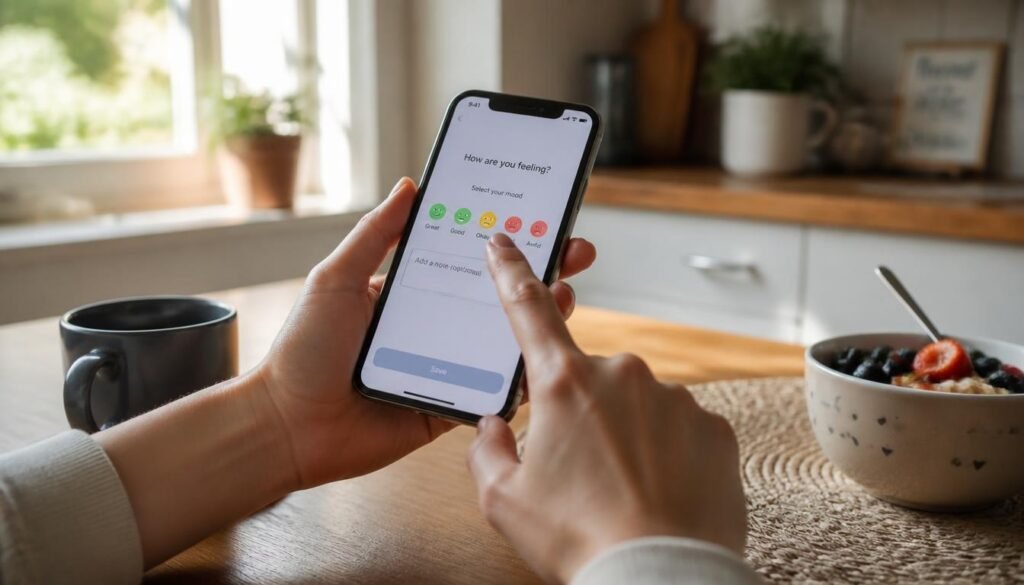
Tap your mood and add context. When something notable happens, a good or bad swing, add a one-line note. You will be glad of it when you review.
Step 4: Wait
Resist conclusions for two to four weeks. Short runs are noisy, and a single rough week can look like a trend when it is not.
Step 5: Review and Adjust
Once a week, spend five minutes reviewing. Pick one pattern and run a small experiment, such as an earlier bedtime for a week. If your low moods persist or interfere with daily life, the National Institute of Mental Health offers a plain-language guide, My Mental Health: Do I Need Help?, and a health professional is the right next step.
Common Mistakes
Tracking too many things. Twenty factors feels thorough and turns into a chore within days. Start small and add one factor at a time. If sticking with it is your weak spot, our guide to building self-discipline offers practical help.
Quitting after a missed week. All-or-nothing thinking ends more tracking habits than anything else. A gap in the log is fine; restart tomorrow. The same pattern drives procrastination, and the fix is the same: lower the bar and begin again.
Collecting data without acting on it. Insight only matters if something changes. Turn each pattern you notice into one small, specific goal, using the approach in our post on setting goals you will actually stick to.
Expert Tips
Anchor your check-in to an existing habit. Log right after brushing your teeth or while the kettle boils. Attaching a new habit to an old one is far more reliable than relying on willpower or a notification alone.
Track sleep alongside mood, even if your app doesn’t require it. Sleep is one of the most common drivers of day-to-day mood swings. Even a rough note such as “slept badly” makes your patterns much easier to read.
Change one variable at a time. If you start exercising, change your caffeine and shift your bedtime in the same week, you will not know what helped. Run one experiment, give it two weeks, then decide.
Final Verdict
There is no single winner, only the right fit for the way you work and feel.
- Best Overall: Daylio, for speed and clarity.
- Best Free: How We Feel, for emotional vocabulary at no cost.
- Best for Depth: Bearable, for linking mood to sleep, energy and health.
- Best for Motivation: Finch, for a rewarding daily habit.
- Best for Skills: Moodfit, for CBT-style exercises alongside tracking.
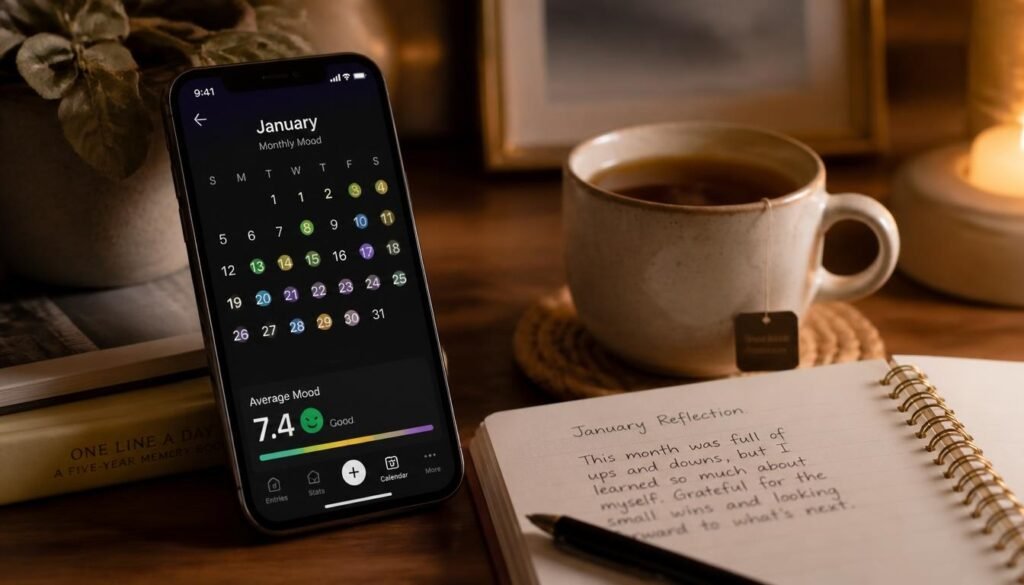
Start with one app for four weeks and treat it as an experiment. Then keep learning with our picks of the best productivity books and best soft skills books, or return to our guide to AI habit-tracking apps to build the routines your mood data points toward.
Frequently Asked Questions
Do I need a mood tracker app, or is a notebook enough? A notebook works well if you will actually write in it. Apps add automatic charts, reminders and pattern spotting, which are hard to do by hand. If you prefer paper, see our guide to planners and journals.
How long before I see useful patterns? Most people start to see basic patterns after two to four weeks of fairly consistent logging. Longer runs reveal seasonal and monthly rhythms, so keep going if the data feels useful.
What is the best free mood tracker app? How We Feel is fully free and strong on emotion vocabulary. Daylio, Bearable and Finch also offer capable free versions, with optional paid upgrades for extra features.
Daylio or Bearable: which should I choose? Choose Daylio if you want speed and simple charts. Choose Bearable if you want to track sleep, energy, symptoms and habits together and look for correlations. Bearable asks for more effort and gives more depth in return.
Are mood tracker apps private? It depends on the app. Read the privacy policy, check whether data can be exported or deleted, and use a passcode lock. Avoid entering details you would not want stored on a third-party server.
Can a mood tracker diagnose depression or anxiety? No. A mood tracker records how you feel and cannot diagnose a condition. It can, however, give a health professional a clearer picture of what you have experienced over time.
How often should I log my mood? Once a day is a perfectly good start. Two or three check-ins, such as morning, afternoon and evening, capture more variation. Consistency matters more than frequency.
What should I do if my tracking shows persistently low mood? Take it seriously and talk to a doctor or mental health professional. If you ever feel unsafe or in crisis, contact your local emergency services or a crisis line right away. For gentle daily support in the meantime, our guide to meditation apps for stress management is a useful companion, but it is not a replacement for care.
Author: Jhon
Last Updated: November 2026